Advanced: the default-off surface
Most of this surface is off by default. The core brain works without any of it. Turn pieces on only when you want them, one at a time. Everything here runs through the cortex tool, python3 -m ari_os.tools.cortex, and the toggles live in the control panel, python3 -m ari_os.tools.arios cortex <setting> on|off.
- Knowledge graphoff by defaultExtract entities and relations from memory into a graph you can list and measure.
- Predictionoff by defaultSurface what you are likely to need next.
- Prefetchoff by defaultWarm context for a working directory before you start.
- Mind-wanderoff by defaultNow and then, surface a memory you had set aside.
- EARSoff by defaultIngest audio or a transcript into memory.
- LENSoff by defaultApply a visual or aesthetic lens. Needs a local vision model.
Knowledge graph
The knowledge graph reads your memory and pulls out the entities and the relations between them. You get a graph you can list and measure, not just a pile of notes.
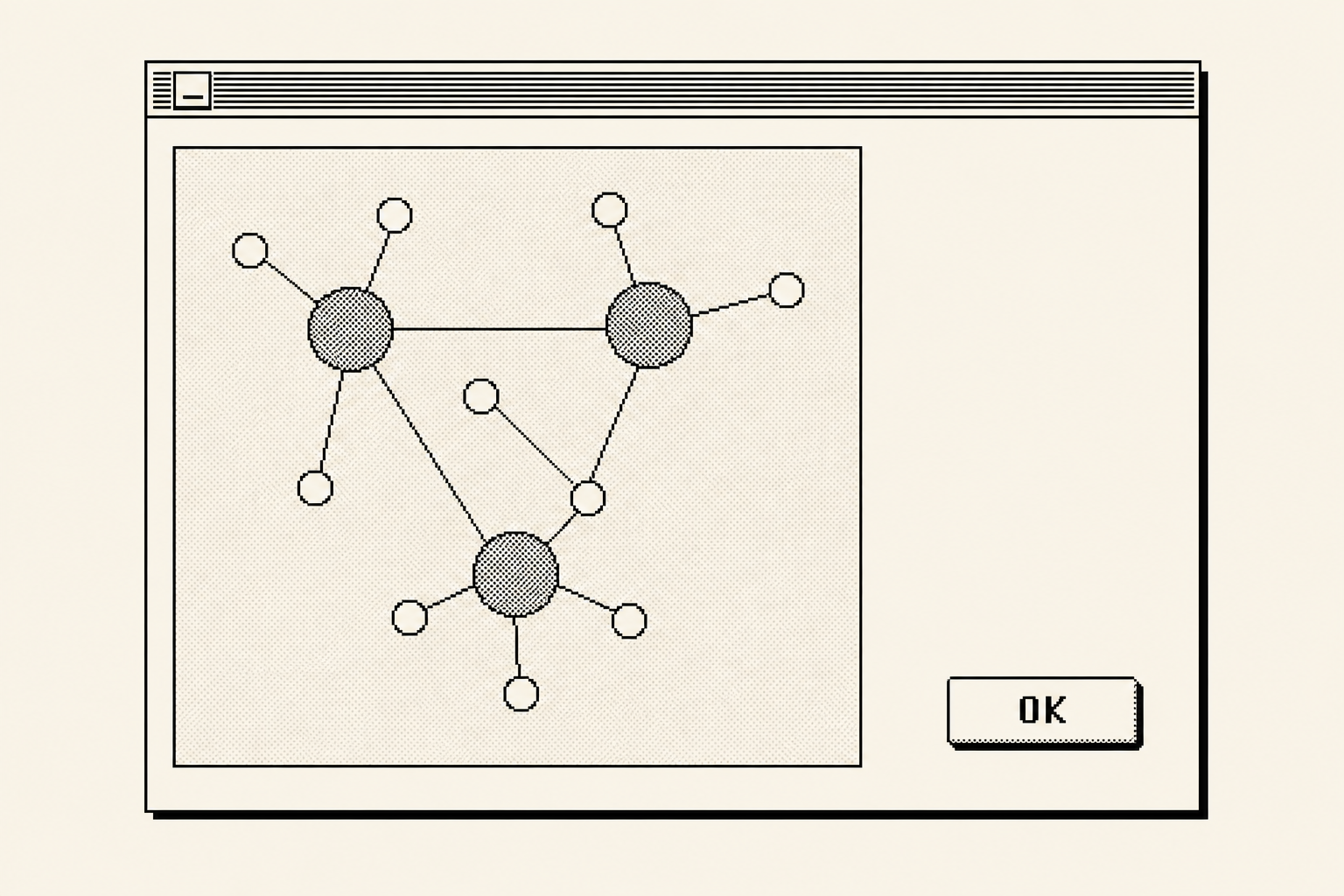
Extract the graph, list what it found, then check its size.
python3 -m ari_os.tools.cortex kg extract
python3 -m ari_os.tools.cortex kg list
python3 -m ari_os.tools.cortex kg stats
extract builds the graph from your memory. list shows the entities and relations it found. stats measures it, so you can see how dense the graph has become over time.
Prediction and prefetch
Prediction looks at where you are and surfaces what you are likely to need next. Prefetch goes one step further and warms the context for a working directory before you open it.
After enough repeats of the same shape, the brain recognises the pattern and acts on it.
python3 -m ari_os.tools.cortex predict
python3 -m ari_os.tools.cortex prefetch --cwd <dir>
predict surfaces what you are likely to need. prefetch warms context for a given working directory, so the brain is ready the moment you arrive.
Mind-wander
Now and then, the brain surfaces a memory you had set aside. It is the quiet background process that connects an old note to the thing in front of you.
python3 -m ari_os.tools.cortex wander --focus "<text>"
Use --focus to point the wander at a topic. Toggle the whole feature on or off through the control panel.
python3 -m ari_os.tools.arios cortex wander on|off
EARS (listening)
EARS ingests sound. Point it at an audio file or a transcript, and the contents land in memory like any other note.
python3 -m ari_os.tools.cortex ears <file|url>
Enable it through the control panel.
python3 -m ari_os.tools.arios cortex ears on
The vision parts of EARS need a local vision model. The plain audio and transcript path does not.
LENS (seeing)
LENS applies a visual or aesthetic lens to your work. Pass it a slug and it reads through that lens.
python3 -m ari_os.tools.cortex lens <slug>
Enable it through the control panel.
python3 -m ari_os.tools.arios cortex lens on
The MCP tools brain.see and brain.lens stay off until both LENS and a local vision model are enabled. Without the model, there is nothing to see with.
Embeddings backends
The brain needs an embeddings backend to turn text into vectors. Choose it through the control panel.
python3 -m ari_os.tools.arios cortex embeddings auto|google|ollama|off
auto picks a sensible backend for you. google and ollama pin it to one provider. off runs without embeddings at all.
Most of this surface ships off. You turn it on when you want it, not before.
- Is any of this on by default?
- No. Most of this surface ships off. Turn pieces on deliberately, one at a time, when you decide you want them.
- What do EARS and LENS need?
- LENS, and the vision parts of EARS, need a local vision model. The plain audio and transcript path of EARS does not.
- Will turning these on slow things down?
- Keep them off unless you want them. The core brain works without them, so you only carry the cost of what you switch on.
To see how the core memory works underneath all of this, read the brain page.