Get the most from the Cortex brain
The Cortex brain is the memory layer of ARI-OS. It is local-first. It remembers across sessions on your own machine, and it both reads and writes through the ari-os-cortex MCP server. Nothing leaves your machine to make it work.
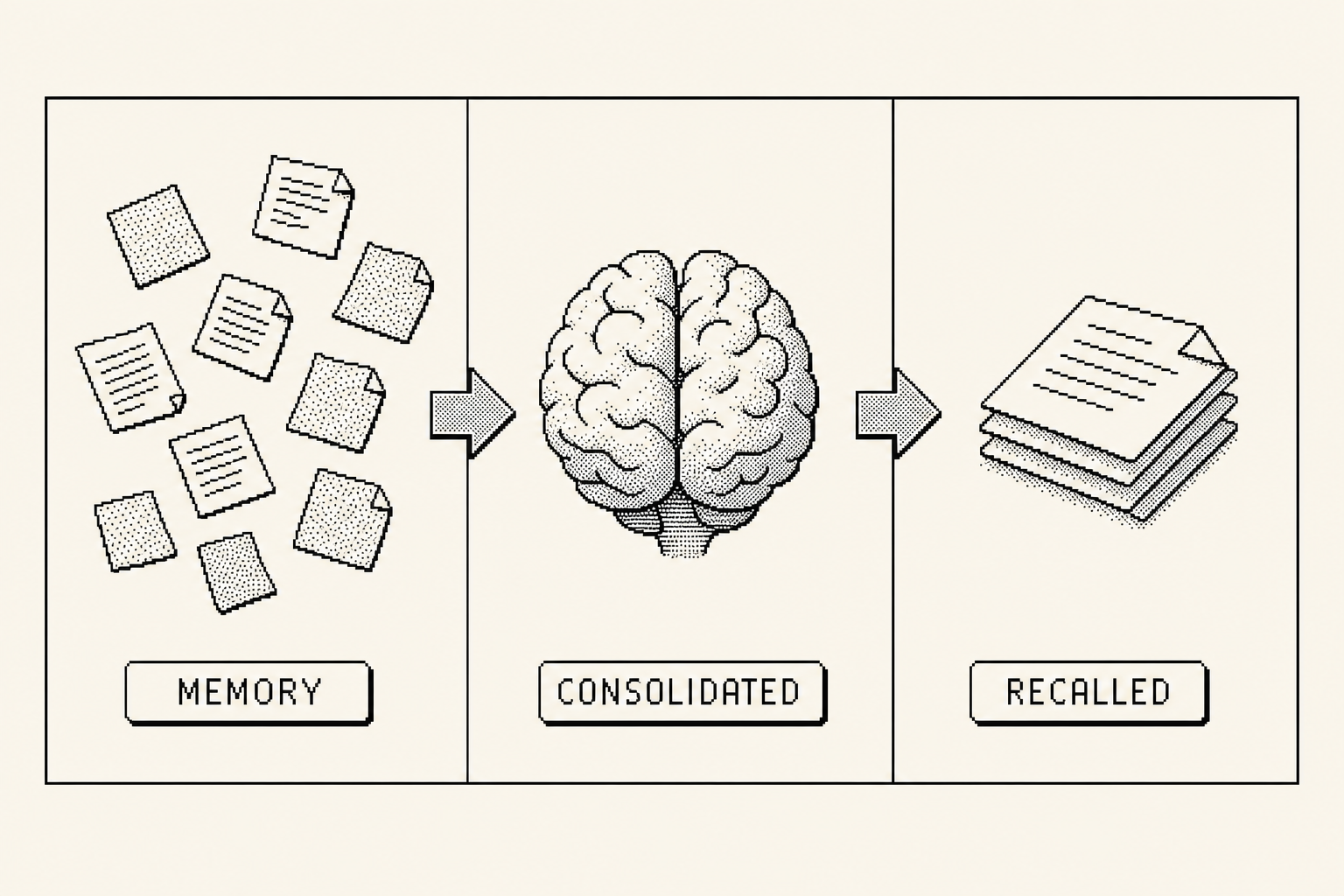
A session with no memory boots blind. You re-explain yourself, then the window closes and it all drains away. The drawing below shows what that looks like.
The brain plugs the leak. It holds the connections so each new session starts knowing, not guessing.
How memory is organised
Memory is not one flat pile. It is split into regions, the way a brain splits work across areas. Language comprehension, language production, vision, episodic events, spatial and project structure, and identity each map to a region. When you recall, results come back grouped the way they were stored, so the brain hands you a shaped answer instead of a heap.
The map below is interactive. It does the explaining, so the prose stays short.
Remember
There are two ways to put something into the brain.
Through MCP, call the tool brain.remember(text, layer='semantic', source). The layer says where the memory sits, and source records where it came from. The brain dedupes by the sha256 of the text, so writing the same thing twice does not create a duplicate.
From a file, write a markdown note first, then ingest it. The note is the canonical record. Ingesting it just teaches the brain the connections.
python3 -m ari_os.tools.cortex ingest --path <file>
Memory files live under your memories directory, at $ARI_OS_HOME/memories/<context>/<UTC-timestamp>.md. The folder is the context, and the timestamp keeps each note in order.
Recall
There are two ways to pull memory back out.
Through MCP, call brain.recall(query, mode='default', k=12, token_budget=4000). The query is what you are looking for, mode shapes how the brain ranks, k is how many candidates it considers, and token_budget caps the result so it never floods the window.
From the command line, run the retrieve command. The --cwd flag is the workspace gate. It scopes recall to what you are working on now, so you get the context that belongs to the project in front of you and not everything you have ever written.
python3 -m ari_os.tools.cortex retrieve -q "<query>" --cwd "$PWD" --mode <mode>
Recall gets better as more context layers switch on. The fidget below shows the same answer sharpening as each layer is added.
Toggle what is in the room, then ask.
Modes
A mode shapes how the brain ranks what it pulls. Same brain, different posture. There are 10 retrieval modes.
- defaultmodeBalanced ranking for everyday work. The sensible starting point.
- focusmodeTight and on-task. Pulls only what is closest to the job in front of you.
- widemodeCasts a broad net. Surfaces more candidates from further out.
- synthesismodeFavours connections across memories, for joining ideas into a whole.
- deepmodeSlower, heavier ranking for hard reasoning and careful work.
- creativemodeLoosens the ranking to surface unexpected links and adjacent ideas.
- visualmodeWeights the vision region, for image descriptions and visual work.
- recallmodeFast lookup. Reaches for specific facts you have stored before.
- adhdmodeShort, punchy context that respects a wandering attention span.
- dyslexicmodePlain, skimmable context shaped for reading ease.
Switch the active mode from the command line.
python3 -m ari_os.tools.arios cortex mode <name>
On the cortex tool you can also list, get, and set the mode with cortex mode list|get|set <name>.
Consolidation (dream)
Raw capture is noisy and expensive to keep at full size, so the brain sleeps. Dreaming is a deterministic distil plus decay pass. It compresses old memories down through tiers while their importance fades, and it never throws the lineage away. You can always walk a durable fact back to the note it came from.
The slider below shows raw notes compressing through session, daily, and weekly tiers down to a durable fact, with the lineage still pointing home.
Run a full dream pass.
python3 -m ari_os.tools.cortex dream
You can also run a single tier on its own.
python3 -m ari_os.tools.cortex distill --tier session|daily|weekly
The point of consolidation is to keep the store small and dense while losing nothing. Memories compress, but lineage still walks back to the original source.
Embeddings
The brain turns text into vectors so it can rank by meaning. The default backend is Ollama, which runs on your machine.
Pull two models. The embedding model nomic-embed-text produces 768-dimensional vectors, and gemma3:4b handles the local language work.
ollama pull nomic-embed-text
ollama pull gemma3:4b
OLLAMA_URL defaults to http://127.0.0.1:11434, so a standard local Ollama needs no extra configuration.
With no Ollama running, recall falls back to a ranked keyword search. It is less precise than vector ranking, but the brain still works, fully offline, with nothing to set up.
Where to go next
Files own the truth. The brain owns the connections.
For tuning, custom modes, and the deeper mechanics, read Advanced. To see the brain in a working session, read Using it. For the bigger picture of how ARI-OS fits together, start at the Overview.